To make a power point animation likes these. You will need power point of course, I believe it doesn't matter on the year of power point. To start get a word of shape, and click on it. Once you click on it. Once you have done that go to the animation button on the top of the screen and pick an animation. There is different types of animations that you can pick. Such as how you want your word or shape to enter or leave. To see the animation and play it click on animation pane. Here you will see all of your animations that you have made on the slide that you are on. Hope this helps you create your own animations.
This is my Butterfly movie, I really enjoyed making the Butterfly movie, but it is pretty complicated to make.
To make the butterfly movie first we made a circle, with that circle we made it move to the center we made a stick shape like the letter Y, then we cut the circle in half. We then made the circle turn 180 degrees clockwise. Now the butterfly is almost finish, now we need to make the butterfly move, all we need to do is pick any animation for the butterfly.
This is my Kinetic Typography, This was also fun and easy to make.
First I copy the first line, then I picked a font, you can also pick a color if you want.
Now I Pick an animation for my line I then moved to my next line I did the same thing.
Now to make your typography better, you can also relate your line to any animation, for example: If your line says "spin" you can make your line spin or if your line says "blue" you can make that word blue.
Here are the instructions for your Kinetic Typography Assignment
First you have to have both your butterfly animation and poem animation at your Youtube channel.
Your post should have the following
Title #$%^&'s Kinetic Typography
Labels your name, Kinetic Typography
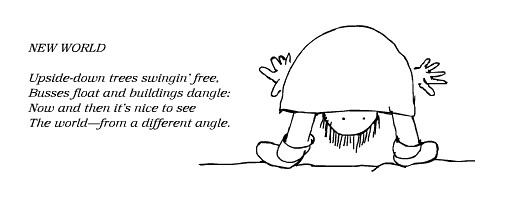
In the body you need to have the following A picture that is about you poems Butterfly Movie Poem Movie
Your poem has to have the following
Title Slide This will have the name of the poet and the poem. The next slide will be the poem through kinetic typography Last slide is the entire poem on one slide. Following the animations you need to write between 50 and 100 words on how to make a kinetic typography in Powerpoint.
You will also be marked on the quality of your animations. Are they helping explain the text better.
If you want bonus marks you need to do a second animation.
Here is your next assignment. Read the PowerPoint presentation. Please chose two poems from this website and use one slide for each to make powerful Typography.